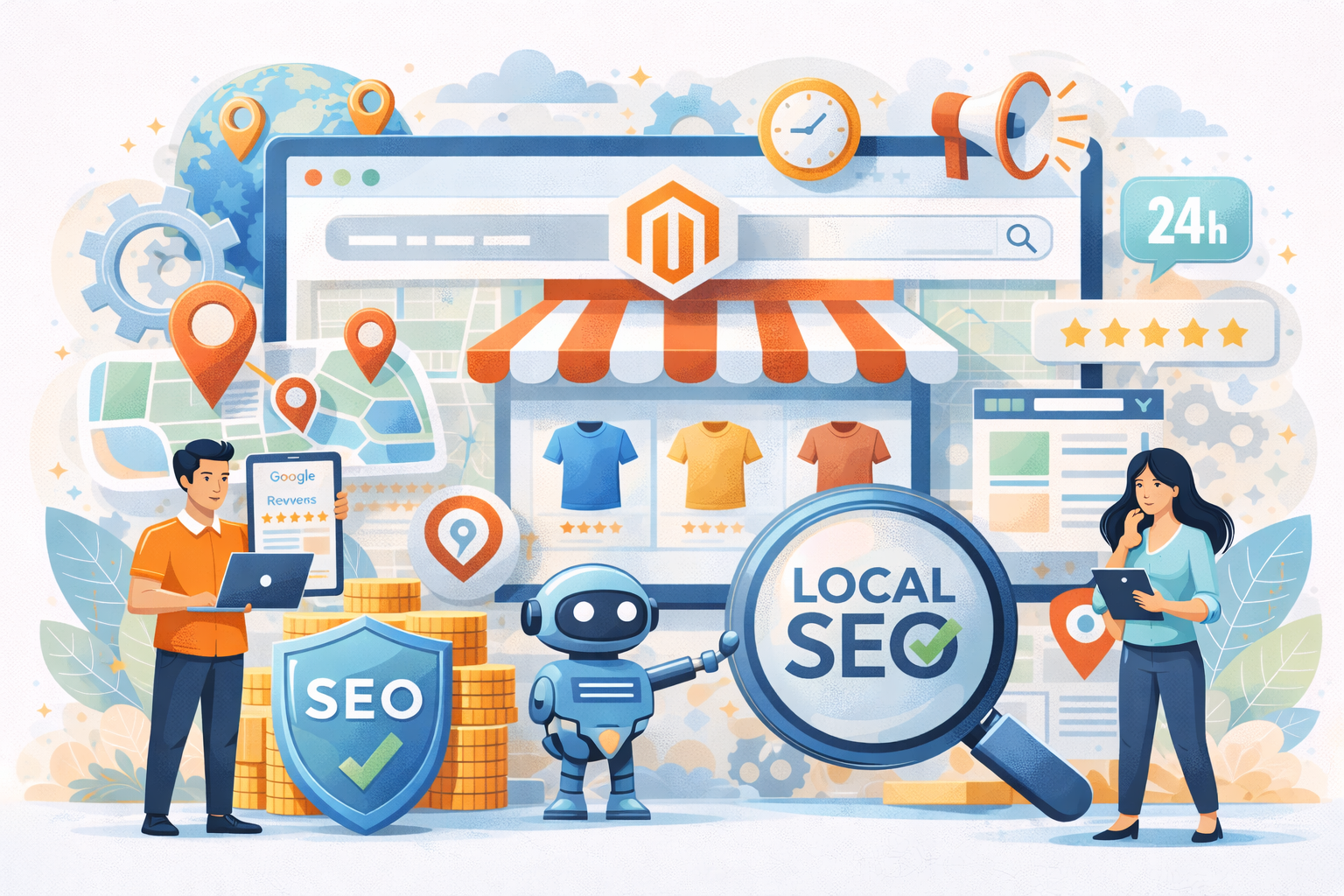
Magento local SEO is essential for eCommerce brands aiming to dominate location-based searches and attract nearby customers with strong purchase intent. By optimizing Google Business Profile, creating geo-targeted landing pages, and ensuring consistent NAP data, Magento stores can significantly improve visibility in local packs and map results. With the right technical setup and localized content strategy, businesses can convert regional searchers into loyal customers.
Nội dung bài viết
- 1 What is Local SEO for Magento Ecommerce?
- 2 Key Components of Local SEO for Magento
- 3 Step-by-Step Guide: How to Optimize Your Magento Store for Local SEO
- 3.1 Google Business Profile (GBP) Optimization
- 3.2 NAP Consistency Across All Platforms
- 3.3 On-page Local SEO Optimization in Magento
- 3.4 Location-Based Content Strategy
- 3.5 Categories and Product Display for Local Targeting
- 3.6 Store Locator Implementation
- 3.7 Reviews and Local Trust Signals
- 3.8 Mobile Performance and Local User Experience
- 4 Frequently Asked Questions (FAQs) About Magento Local SEO
- 5 Conclusion
What is Local SEO for Magento Ecommerce?
Local SEO for Magento is the strategy of optimizing your online store to appear in search results for users in a specific geographic area, especially those using “near me” or location-based queries. This approach helps brick-and-mortar stores, or online businesses serving specific regions, attract nearby customers who are ready to make a purchase or visit a physical location.
Magento is a powerful platform for local SEO because it offers features and extensions that facilitate the implementation of location-specific optimizations.

Key Components of Local SEO for Magento
Here are the essential tactics to implement Local SEO on a Magento platform:
- Google Business Profile (GBP) Optimization: Your GBP is the single most important tool for local SEO.
Setting up a Google My Business account correctly is increasingly becoming the most important part of local SEO. Thanks to your GMB profile, you’ll be included in Google Maps, Google Search Knowledge Panel, and Google Search Local Results.
Ensure your business information, including Name, Address, and Phone number (NAP), is complete and consistent across your GBP, website, and all online directories. - Location-Specific Content and Landing Pages: Create unique, dedicated pages for each physical store location or service area. These pages should have specific local details, an embedded map, location-specific testimonials, and unique content about that community to target relevant local keywords (e.g., “vintage bikes in Skien”).
- Structured Data (Schema Markup): Use local business schema markup on your website to help search engines understand your location-specific information, hours, and product details. This can help your listings appear as visually appealing rich snippets in search results, which can increase click-through rates.
- Customer Reviews and Reputation Management: A steady stream of positive reviews is a powerful signal of prominence and trustworthiness to both customers and Google. Encourage customers to leave reviews on your GBP and respond promptly to all feedback to show engagement.
- Local Link Building & Citations: Acquire backlinks and mentions from other reputable local sources, such as local newspapers, business directories, or community partners. These “citations” build local authority and relevance.
By leveraging Magento’s flexibility for on-page and technical SEO, you can effectively implement these local strategies to ensure your store is visible to high-intent local shoppers.
Step-by-Step Guide: How to Optimize Your Magento Store for Local SEO
Google Business Profile (GBP) Optimization
Your Google Business Profile is the most influential signal for Local SEO and appearing in Google’s “Local Pack.” It acts as your digital storefront in local search — helping Google understand who you are, where you are, what you sell, and whether real customers engage with your business.
How to do it:
- Claim and verify your listing at business.google.com to take control of your profile.
- Select the most accurate Primary Category and relevant secondary categories to help Google match your store with correct search intent.
- Add your website link — ideally to your homepage or a dedicated local landing page for that location.
- Frequently publish Updates, Offers, and Posts so Google sees your business as active and trustworthy.
- Make sure your business description, opening hours, and images accurately reflect your physical store.
NAP Consistency Across All Platforms
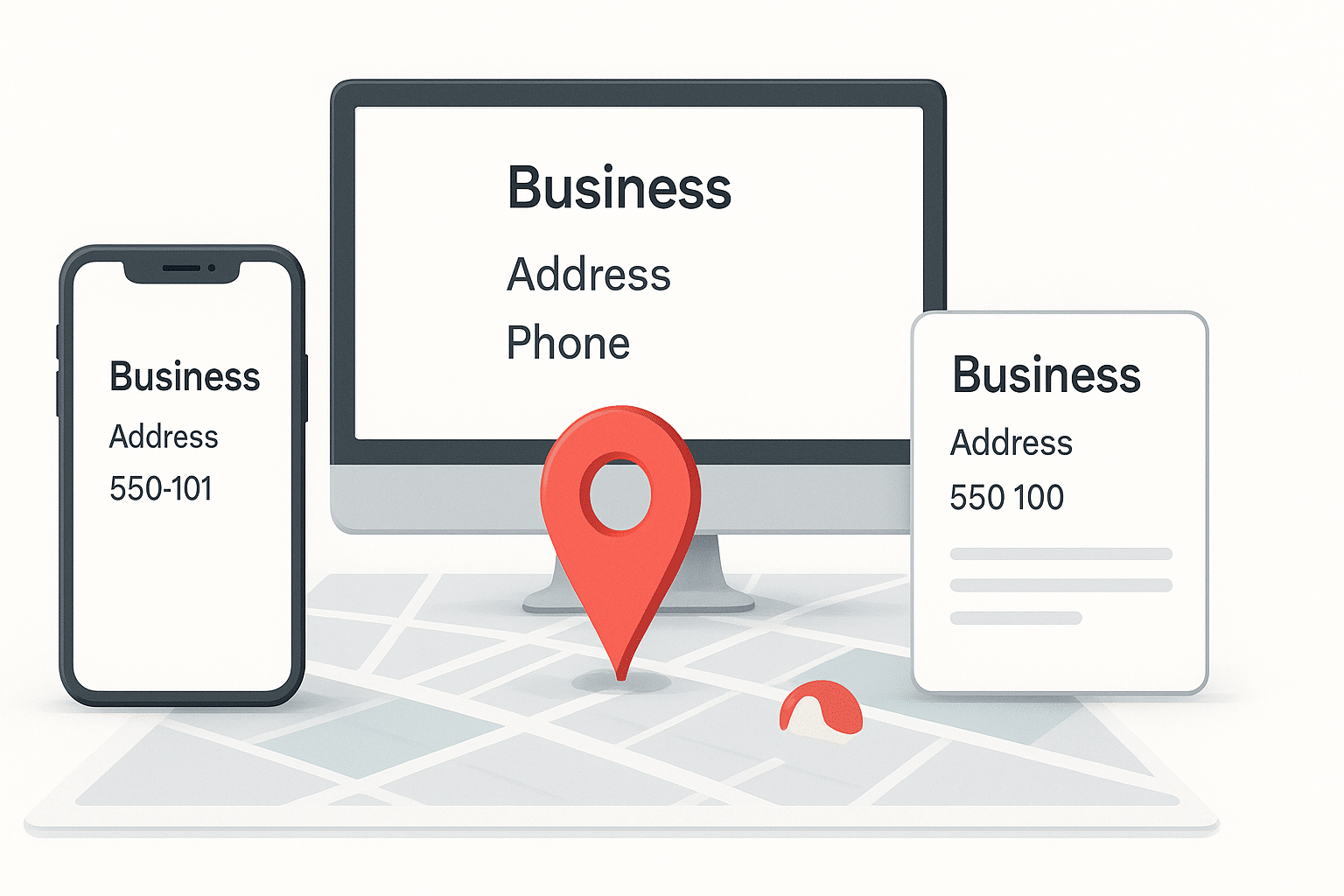
NAP (Name, Address, Phone Number) consistency helps Google confirm your business identity. Even small inconsistencies (Suite vs Unit, NYC vs New York) can make Google doubt accuracy and lower your visibility in local search results.
How to do it:
- In your Magento admin, go to Stores > Configuration > General > Store Information. Ensure the details here match your GBP exactly.
- Check your footer, Contact Us page, and any other location reference across your site.
- Use tools like BrightLocal or Moz Local to identify incorrect listings and correct them, ensuring all references across directories use the same standardized format.
On-page Local SEO Optimization in Magento
Local optimization on your Magento site helps search engines understand which locations your store targets and improves relevance for nearby shoppers.
Optimize meta titles and meta descriptions for local intent:
Meta titles and descriptions appear directly in Google search results. When they include city names, regional identifiers, or store locations, users immediately recognize your business as locally relevant. This significantly improves Click-Through Rate (CTR) and strengthens local search relevance.
How to do it:
- Instead of “Buy Organic Coffee,” use “Buy Organic Coffee in Seattle | [Brand Name].”
- Apply consistent structure to all key pages:
- Meta Title Structure: Primary Keyword + City / Region + Brand Name
- Meta Description Structure: Short benefit + Local relevance + CTA
- Example: “Shop premium organic coffee in Seattle with fast pickup & delivery. Visit our Seattle store or order online today.”
- Where to configure in Magento:
- Category Page: Content → Categories → Search Engine Optimization → Meta Title / Meta Description
- Product Page: Catalog → Products → Search Engine Optimization section
- For large catalogs: Magento’s native metadata management can be tedious for large catalogs. Using an SEO Extension from a trusted provider like BSS Commerce is the best solution. This allows you to create templates that automatically inject the city or region into thousands of product and category meta tags at once. Click for detailed features of BSS Commerce SEO extension: https://bsscommerce.com/magento-2-seo-extension.html
Optimize URLs for clarity and local meaning:
Clean, well-structured URLs with clear location context help search engines better understand page relevance and improve your chances of appearing in local results. At the same time, descriptive URLs build user trust and make it easier for shoppers to recognize that your page matches their location and needs.
How to do it:
- Use readable, structured URLs that reflect your location and content
- Example: domain.com/chicago-boutique/dresses instead of domain.com/category123/product456
- Magento Configuration Path: Stores > Configuration > Catalog > Search Engine Optimization. Ensure “Use Categories Path for Product URLs” is configured to support a logical flow, such as domain.com/chicago-boutique/dresses.
- Key best practices:
- Keep URLs short, clear, and descriptive
- Avoid unnecessary parameters
- Use lowercase and hyphens instead of spaces
- Ensure consistency in location naming (e.g., always “los-angeles”, not sometimes “LA”)
Implement local structured data (Schema Markup):
Local structured data helps Google accurately interpret your business information instead of treating it as plain text. By clearly defining your business details, address, and operating information, schema strengthens your local relevance, improves credibility, and supports better visibility in local search features.
How to do it:
- Use LocalBusiness or Store Schema
Include important fields like:
- Business Name
- Address (street, city, state, ZIP)
- Phone Number
- Opening Hours
- Map Link or Coordinates
- Business Name
- Where to add schema:
- Insert JSON-LD script in your theme’s header
- Or add via CMS blocks on key pages
- SEO extensions can automate structured data insertion across your site
- Insert JSON-LD script in your theme’s header
- Ensure schema data exactly matches:
Google Business Profile + Website NAP + Magento Store Information
Tip: Validating schema using Google’s Rich Results Test ensures it’s implemented correctly.
Location-Based Content Strategy
Generic content forces your Magento store to compete with huge global brands, which is extremely difficult and resource-intensive. Localized content, however, focuses on the customers in your immediate area, making it far easier to rank, connect, and convert. When your content speaks directly to a specific city, community, or region, it feels more relevant, builds trust faster, and strengthens your visibility in local search results — meaning you are no longer competing with the world, only with nearby competitors.
How to do it
- Create dedicated Magento CMS pages for each city or location you serve, such as “Our Boston Showroom”, to clearly target local audiences.
- Write blog posts or content pieces that reference local events, sponsorships, or community activities, reinforcing your connection to the area.
- In Magento Admin, navigate to Content > Elements > Pages to build these pages, and make sure each one includes local keywords, city names, and unique descriptions of what your business offers in that specific area — not duplicated content.
Note: In markets where multiple languages are used within the same region, implementing Magento multi language SEO ensures each localized page reaches the correct audience.
Categories and Product Display for Local Targeting
Customers in different regions often have different needs, preferences, climate conditions, and even product availability. By localizing your Magento catalog, you make your store more relevant to each audience, ensure shoppers see the most suitable products for their area, and create a smoother browsing experience. This not only improves user satisfaction but also increases the chances of conversion because customers immediately see products that actually fit their local context.
How to do it:
- Structure categories based on regional relevance: If you have inventory that varies by location, create separate category folders for each local collection so customers in each region can easily find what applies to them.
- Control product visibility using Store View: Magento’s Store View feature is ideal for local targeting. You can create separate views such as “New York Store View” and “Los Angeles Store View”, and then select which products should appear in each region. In the product settings, use Product in Websites and Visibility configurations to show or hide items depending on the user’s selected store view, ensuring each region only sees appropriate products.
Note: When using multiple store views for different regions, it’s also important to implement Magento hreflang correctly to help search engines serve the right regional version to the right users.
Store Locator Implementation
For businesses with multiple physical locations, a store locator page is essential because it helps customers quickly find the nearest store. This reduces friction in the Online-to-Offline (O2O) journey, ensuring that online browsing leads seamlessly to in-store visits. A well-implemented store locator also enhances user experience, builds trust, and signals to Google that your business has multiple legitimate local locations, improving your chances of ranking in local search results.
How to do it:
- Magento does not include a strong built-in store locator, so you should use a dedicated Store Locator Extension.
- Good store locator extensions typically offer:
- Interactive maps with Google Maps integration
- Individual pages for each store location that can be indexed by Google
- Filters for distance, products, or services (if supported)
- Embedded directions and contact information
- Interactive maps with Google Maps integration
- Each store page should include local details such as address, opening hours, and any location-specific offerings. This helps Google associate each page with a specific area, boosting local search visibility.
Reviews and Local Trust Signals
Customer reviews are a critical factor in local SEO because they directly influence Google’s perception of your business prominence, credibility, and relevance. High ratings, frequent reviews, and recent feedback signal to Google that your store is active, trustworthy, and valued by real customers. Reviews not only improve your ranking in the Local Pack but also build immediate trust with potential buyers, making them more likely to visit your store or complete a purchase.
How to do it:
- Enable native Magento reviews via Stores > Configuration > Catalog > Product Reviews.
- Encourage customers to leave reviews on your Google Business Profile specifically.
- Display “Verified Buyer” badges and local testimonials on your homepage using CMS blocks to build immediate trust.
Mobile Performance and Local User Experience
The majority of local searches happen on mobile devices while people are “on the go.” If your Magento store is slow or hard to navigate on a phone, users will bounce back to the search results.
How to do it:
- Check Core Web Vitals: Use Google PageSpeed Insights to check your mobile performance.
- Optimization: Ensure you are using a responsive theme (like Hyva or a well-optimized Luma child theme).
- Mobile UX: Make sure your “Call” and “Get Directions” buttons are large and easy to click on mobile screens. Implement “Click-to-Call” functionality on your phone numbers.
Frequently Asked Questions (FAQs) About Magento Local SEO
How Does Local SEO Benefit a Magento Ecommerce Business?
Local SEO boosts Magento stores by enhancing visibility in “near me” searches, driving higher conversion rates (up to 28% more than non-local), and improving ROI on local ads through targeted foot traffic and online sales from regional queries.
What Are the Best Strategies for Local SEO on Magento Stores?
Top strategies include prioritizing Google Business Profile optimization, ensuring NAP consistency across platforms, and localizing content with city-specific pages—delivering quick wins in local pack rankings and traffic.
How Can I Optimize My Magento Website for Local Search Queries?
Start with local keyword integration in titles and meta tags, add schema markup for LocalBusiness, create geo-targeted landing pages, and verify NAP uniformity to align with Google’s proximity-based algorithms.
What SEO Tools Help with Magento Local SEO?
Free tools: Google Business Profile and Search Console for tracking. Paid: SEMrush or Ahrefs for local keyword research; Magento extensions like Mageplaza Local SEO for automation and on-page tweaks.
How Do I Handle Multiple Store Locations in Magento?
Leverage Magento’s multi-store setup for separate catalogs per location, create dedicated Google Business Profiles, and submit location-specific sitemaps to Search Console for targeted indexing and rankings.
Conclusion
Mastering Magento local SEO allows ecommerce businesses to strengthen their presence in regional searches and outperform local competitors. Through optimized GBP management, structured data, high-quality local content, and strong mobile performance, Magento stores can boost rankings and increase real-world conversions. Implementing these tactics ensures long-term visibility, trust, and sustainable local growth.