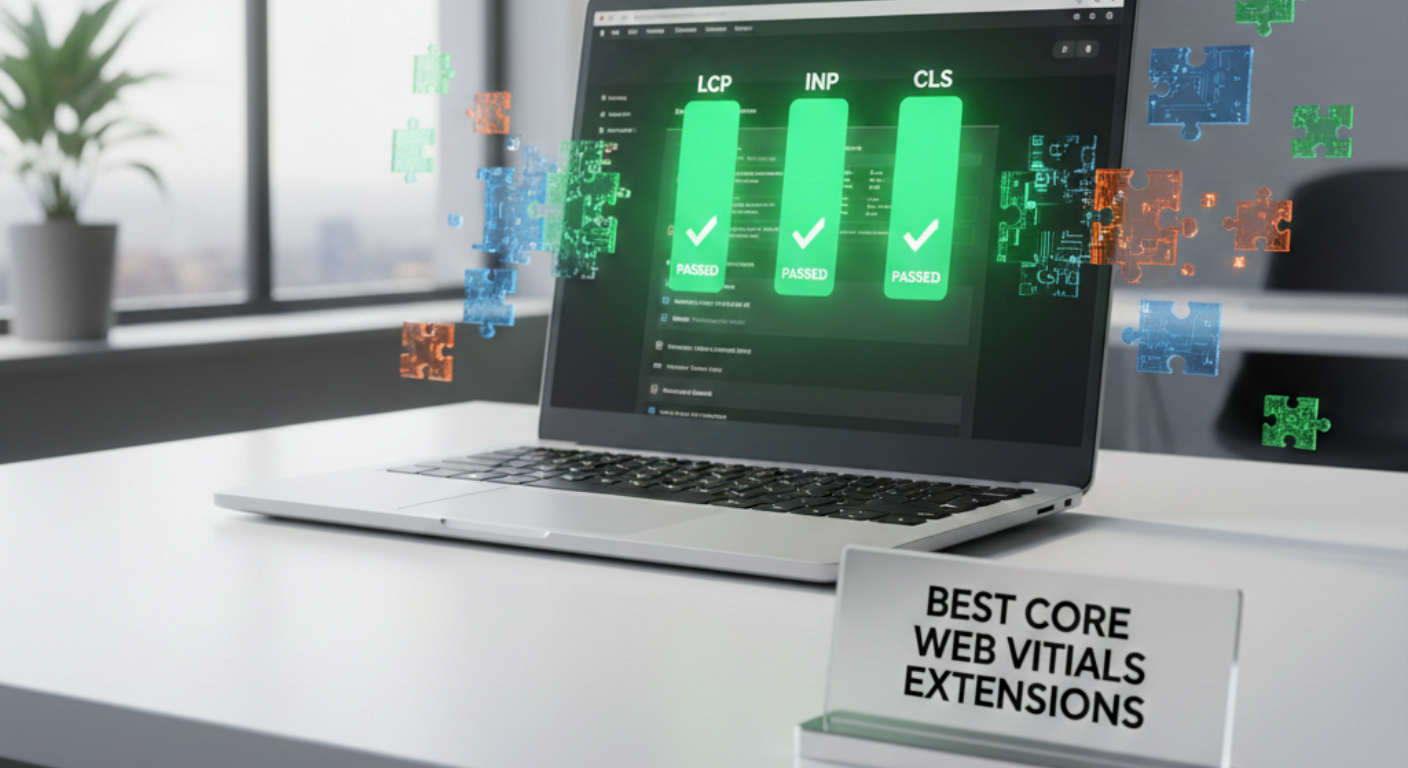
Core Web Vitals (CWV) have evolved into a fundamental survival metric for e-commerce businesses operating on Magento (Adobe Commerce). In an era where user experience dictates search rankings, metrics like LCP, INP, and CLS are no longer mere technical jargon; they are direct indicators of loading speed, responsiveness, and visual stability. While Magento offers unparalleled flexibility, its complex modular architecture often introduces performance bottlenecks—such as heavy JavaScript execution and intricate database queries—that make achieving a “Passing” grade on mobile devices a significant challenge without specialized intervention.
To overcome these hurdles effectively, identifying the best Magento extensions to optimize Core Web Vitals is the most efficient path to balancing performance with development costs. Modern optimization tools go far beyond simple caching; they act as surgical instruments that restructure how browsers process data and render layouts. Furthermore, when integrated with a high-quality SEO plugin for Magento 2, merchants can establish a comprehensive foundation that aligns technical speed with metadata excellence, driving sustainable growth in both organic visibility and conversion rates.
Nội dung bài viết
- 1 Understanding core web vitals in Magento
- 2 Best Magento Extensions for Largest Contentful Paint (LCP)
- 3 Best Magento Extensions for Interaction to Next Paint (INP)
- 4 Best Magento Extensions for Cumulative Layout Shift (CLS)
- 5 How to choose the right Magento extensions for core web vitals
- 6 Common mistakes when using Magento performance extensions
- 7 Conclusion
Understanding core web vitals in Magento
To optimize effectively, one must first understand what is being measured. Mastering Magento core web vitals helps you pinpoint exactly where your site needs improvement. Core web vitals consist of three distinct pillars that represent loading, interactivity, and visual stability.
A quick overview of lcp, inp, and cls
- Largest contentful paint (LCP): Measures loading performance. To provide a good user experience, LCP should occur within 2.5 seconds of when the page first starts loading. In Magento, this is usually the main product image on a PDP or a hero banner on the homepage.
- Interaction to next paint (INP): Replaced first input delay (FID) as a core web vital in March 2024. It measures the time it takes for a page to respond to all user interactions (clicks, taps, and keyboard inputs). A good score is 200 milliseconds or less.
- Cumulative layout shift (CLS): Measures visual stability. It quantifies how much the page content jumps during loading. A good score is 0.1 or less.
How core web vitals impact rankings and conversions
Google uses these metrics to determine if a page provides a helpful experience. If two sites have equally relevant content, the one with superior core web vitals will rank higher. From a conversion standpoint, a stable and fast-responding UI builds trust. If a user tries to click “add to cart” and the button shifts (CLS) or doesn’t respond immediately (INP), the likelihood of a bounce increases.
Magento-specific factors that affect cwv performance
Magento’s complexity introduces unique challenges. Deeply nested XML layouts can increase the time it takes to render the initial HTML. Additionally, the massive amount of JavaScript in standard Magento themes creates a long task problem on the browser’s main thread, hurting INP. Finally, every new module added to a store often brings its own CSS and JS, compounding the performance debt.
When extensions make the biggest impact
Extensions are most effective when they target specific, high-impact issues such as converting thousands of catalog images to WebP, automating the generation of critical CSS, or implementing advanced bundling that reduces the total number of HTTP requests.
Best Magento Extensions for Largest Contentful Paint (LCP)
Best Magento Extensions for Largest Contentful Paint (LCP)
LCP is primarily influenced by your server’s response time and the weight of your hero elements (usually product images).
Caching & Server Response
Caching is the primary tool for reducing Time to First Byte (TTFB). By serving a pre-rendered HTML version of a page, the browser bypasses heavy PHP processing and database queries.
- Cache Warming: Automatically crawls and rebuilds the cache after updates so customers never hit a “cold” (slow) page.
- Hole-Punching: Allows specific dynamic blocks (like “Welcome, John” or Cart totals) to load while keeping the rest of the page fully cached.
- Pitfall to Avoid: Ensure prices and stock levels stay updated; over-caching can lead to users seeing outdated product data.
Image Optimization
Since the LCP element is almost always an image, optimizing how it loads is critical.
| Feature | How it improves LCP | Best Practice |
| WebP/AVIF Conversion | Reduces file size by up to 70% compared to JPG/PNG. | Use lossy compression for the best balance of speed/quality. |
| Lazy Loading | Saves bandwidth for the main content by delaying off-screen images. | Important: Exclude the LCP image from lazy loading to avoid delays. |
| Responsive Images | Serves smaller image versions to mobile users. | Map specific dimensions (srcset) to prevent loading 2000px images on phones. |
Best Magento Extensions for Interaction to Next Paint (INP)
Best Magento Extensions for Interaction to Next Paint (INP)
INP is the most difficult metric to solve because it requires reducing JavaScript (JS) execution on the browser’s main thread.
JavaScript & CSS Management
Standard Magento JS is bulky. Extensions help by “cleaning up” how these files are handled:
- Minification & Bundling: Groups necessary JS together to reduce the number of server requests.
- Defer Strategies: Moves non-critical scripts (like live chat or tracking) to the bottom of the queue so the browser stays responsive to user clicks.
- Main-Thread “Breathing”: Breaks up long JS tasks into smaller pieces, allowing the browser to process a user’s click in between script executions.
Third-Party Script Control
Third-party scripts (GTM, Facebook Pixel, Hotjar) are often the biggest INP killers.
- Delayed Execution: Some tools wait until a user scrolls or clicks before loading marketing pixels.
- Extension Management: Since every Magento module adds its own JS, use a manager to disable scripts on pages where they aren’t needed (e.g., no need for Review JS on the Checkout page).
- Compatibility Tip: Always test your “Add to Cart” button after optimizing JS, as aggressive deferral can sometimes break interactive elements.
Best Magento Extensions for Cumulative Layout Shift (CLS)
CLS is caused by the unexpected movement of page content. Extensions solve this by “reserving” space for elements before they appear.
Layout & Content Stability
- Space Reservation: Tells the browser exactly how tall a banner or slider is (e.g., 300px) so the page doesn’t “jump” when the image finally downloads.
- Skeleton Screens: Uses gray placeholder boxes for dynamic blocks like “Related Products” to hold the layout steady.
- Font Preloading: Ensures custom fonts load immediately, preventing a layout shift when the font swaps from a default system font to your brand font.
UI & Compliance Elements
Popups and cookie banners are frequent CLS offenders.
| Element | CLS Risk | Optimization Strategy |
| Cookie Banners | Banners sliding from the top push all content down. | Position banners as overlays or at the bottom of the screen. |
| Popups | Appearing instantly can trigger a shift during the load phase. | Trigger popups only after a user interaction or specific scroll depth. |
| Dynamic Blocks | Late-loading “Recently Viewed” blocks shift the footer. | Use fixed heights or skeleton loaders to maintain container size. |
How to choose the right Magento extensions for core web vitals
Store size and traffic considerations
A high-traffic enterprise store needs extensions that are “asynchronous.” For example, image conversion should happen as a background task, not while a customer is trying to view a product.
Theme complexity and frontend architecture
If you are using a modern frontend like Hyvä or a PWA, you must ensure your extensions are compatible. Many legacy performance extensions are built for the Luma theme and will not work with modern, lightweight frontends.
B2c vs b2b Magento performance needs
B2B stores often have complex pricing logic and large customer-specific catalogs. Performance extensions for B2B must be able to handle “per-customer” cache segments without exhausting server storage.
Extension maintenance, updates, and support
Performance optimization is an ongoing battle. Choose vendors with a history of frequent updates to keep pace with Google’s changing algorithm and new Magento versions.
Common mistakes when using Magento performance extensions
- Installing too many optimization extensions: This leads to code bloat. Sometimes the overhead of the “optimizer” is heavier than the optimization it provides.
- Blindly following pagespeed recommendations: Lighthouse scores are lab data. Focus on field data (real user experiences) found in the Google Search Console.
- Ignoring mobile performance: Magento stores often pass CWV on desktop but fail on mobile due to slower mobile CPUs. Always test with a mobile-first mindset. Prioritizing mobile-first SEO for Magento 2 stores guarantees a smooth experience for smartphone users.
- Overlooking real-user data (crux): Lab tests use a simulated fast connection. Your real users might be on 3G networks. Your extensions must be configured to prioritize these users.
Conclusion
Optimizing core web vitals in Magento is a journey, not a destination. While extensions are powerful allies in this process, they should be used as part of a holistic performance strategy that includes high-quality hosting, clean theme development, and regular monitoring. Identifying the best Magento extensions to optimize core web vitals is simply the first step in a long-term commitment to user experience.
By carefully selecting extensions that target LCP, INP, and CLS, and by avoiding the trap of over-optimization, Magento store owners can create a shopping experience that is not only fast but also stable and responsive. This balance is the key to winning both Google’s favor and the loyalty of your customers. Start by identifying your biggest bottleneck today, and implement the right specialized tool to fix it.