Search engine optimization for eCommerce is inherently complex, but for Magento (Adobe Commerce) users, the challenge is often amplified by the platform’s powerful, yet sprawling architecture.
One of the most significant hurdles to achieving high rankings is “thin content.” When a site has thousands of pages but very little unique or valuable information on them, search engines struggle to understand which pages are important.
This guide explores how to identify, fix, and prevent thin content to ensure your Magento store maintains a high-quality index.
Nội dung bài viết
- 1 Understanding thin content in Magento (Why it’s a real SEO problem)
- 2 Common causes of thin content issues in Magento
- 3 How to identify thin content issues in a Magento store
- 4 Fixing thin content issues in Magento (Actionable solutions)
- 5 Magento-specific SEO tips to prevent thin content long term
- 6 Conclusion
Understanding thin content in Magento (Why it’s a real SEO problem)
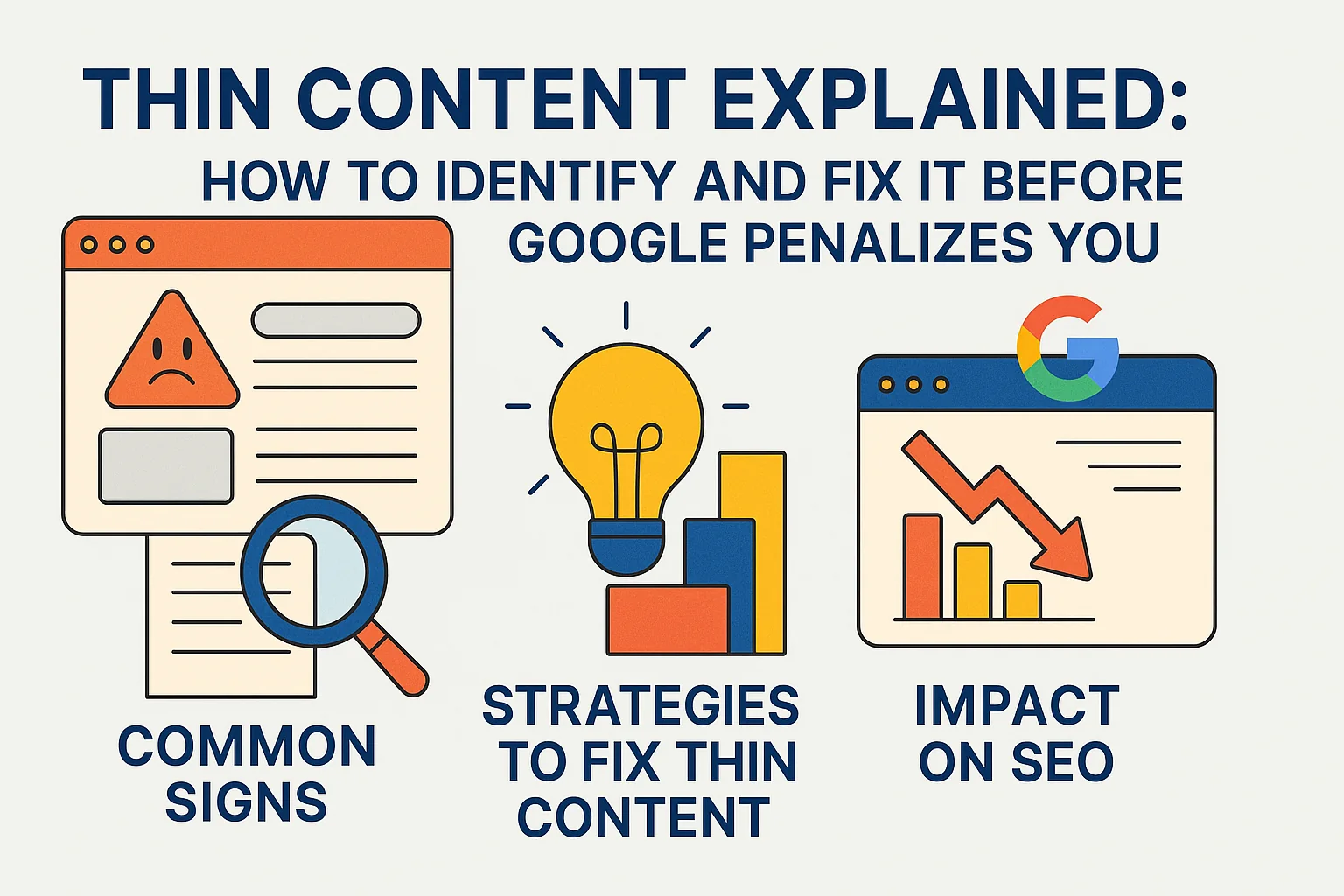
Google defines thin content as pages that provide little to no value to the user, regardless of their word count.
For Magento users, this is a particularly common hurdle because the platform’s greatest strength—its ability to scale—can become an SEO liability. Out-of-the-box features like layered navigation and internal search inadvertently create thousands of unique URLs that offer no unique information. This sprawl drains your crawl budget, forcing Googlebot to waste time on “empty” filter results rather than indexing your high-margin products.
Ultimately, a high ratio of thin pages dilutes your domain authority, making it harder for your entire catalog to rank.
To effectively manage your store’s SEO health, it is important to recognize how thin content manifests and how it differs from other technical issues:
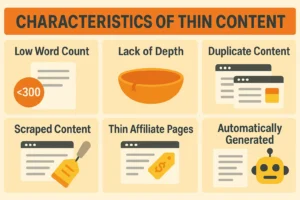
- Common Examples: This includes automatically generated pages with no original text, product pages with only a title and “Add to Cart” button, and affiliate pages that simply scrape descriptions.
- The Magento Factor: Without strict configuration, Magento can generate a unique URL for every possible combination of color, size, and price filter, resulting in massive volumes of low-value pages.
- Thin vs. Duplicate Content: While thin content refers to pages lacking substantive information, Magento duplicate content is usually a result of URL structure settings where the same content is reachable via multiple paths.
- SEO Impact: A cluttered site architecture forces search engines to prioritize quantity over quality, often leading to lower rankings for your most important landing pages.
Common causes of thin content issues in Magento
Auto-generated pages with no real value
- Empty or near-empty category pages: This occurs when a merchant creates a deep category hierarchy but hasn’t yet assigned products to every sub-category. A page that says “There are no products matching the selection” is a classic thin content signal.
- Layered navigation and filter URLs: Every time a user clicks a filter (e.g., “Blue,” “Under $50”), Magento creates a new URL. If these are indexable, you end up with thousands of pages that look nearly identical to the parent category.
- Internal search result pages: Magento’s internal search allows users to find products, but these search result URLs should never be indexed. They are dynamic, low-value, and can be exploited by “search spam.” Instead of relying on these auto-generated paths, merchants often find better results by publishing high-quality editorial content; for instance, leveraging one of the 8+ best Magento 2 blog extensions to drive more organic traffic can help you create content that Google actually wants to index.
Duplicate or low-value product content
- Manufacturer-provided product descriptions: If you copy and paste the description provided by the brand, you are competing with every other retailer using that same text. Google views this as low-value, unoriginal content.
- Similar SKUs creating near-identical pages: If you sell a t-shirt in 10 different colors and create 10 separate product pages with the exact same description, you have created a thin/duplicate content cluster.
- Out-of-stock or discontinued product pages: Pages for products that are no longer available often lose their descriptive text or features, leaving behind a “ghost” page that provides a poor user experience and zero SEO value.
Magento URL and indexation issues
- Faceted navigation: This creates an “infinite space” of URLs. Without proper rel=”canonical” or noindex tags, search engines will attempt to crawl every possible filter combination.
- Magento pagination pages: While necessary for users, pages 2, 3, and 4 of a category often have no unique text other than the product grid, which Google may perceive as thin.
- Parameterized URLs: Sorting parameters (e.g., ?dir=asc&order=price) create new URLs for the same content, diluting the SEO strength of the primary page.
How to identify thin content issues in a Magento store
Using Google Search Console to spot low-value indexed pages
Navigate to the “Indexing” (formerly Index Coverage) report in Google Search Console. Look for the “Excluded” status, specifically “Crawled – currently not indexed” and “Discovered – currently not indexed.”
These often point to pages Google deemed too low-quality to include in the search results.
Also, check the “Indexed” list for URLs containing parameters like ?price= or ?color=, which indicates your filters are leaking into the index.
Identifying thin pages via crawl tools
Run a crawl of your site using tools like Screaming Frog or Sitebulb. Sort the resulting list by “Word Count.” Any page with fewer than 200 words (excluding headers and footers) should be manually reviewed. Pay close attention to:
- Pages with high “Crawl Depth” (more than 4 clicks from the homepage).
- Pages with “Missing H1 tags” or “Duplicate Meta Descriptions.”
Key signals that indicate thin content problems
- High Bounce Rate on organic landing pages: Users arriving from search and leaving immediately because the page is empty or irrelevant.
- Low “Pages per Session” from Search: Indicating that the landing page didn’t provide enough value to encourage further browsing.
- Index Bloat: If you have 500 products but Google has indexed 5,000 pages, you have an index bloat issue caused by thin content.
Fixing thin content issues in Magento (Actionable solutions)
Improve content depth where it matters
- Enhancing category pages: Magento allows you to add “CMS Blocks” to category pages. Don’t just show a grid of products; add 200–300 words of unique content at the top or bottom of the page. Explain the benefits of the products in that category, how to choose between them, and common use cases.
- Unique product descriptions: Implement a strategy to rewrite manufacturer descriptions. Focus on the “Problem-Agitation-Solution” framework. Describe the product’s benefits, not just its features.
- Adding value-add sections: * FAQs: Use Magento’s custom attributes to add an FAQ section to product pages.
- Specs: Use standardized attribute sets to ensure every product has a detailed “Technical Specification” tab.
- Reviews: Encourage User Generated Content (UGC), which provides fresh, unique content that Google loves.
Control indexation of low-value pages
Using Noindex: In Magento, you can set the robots metadata to noindex, follow for specific pages. This should be the default for:
- All search result pages.
- Category filter combinations (e.g., when more than one filter is selected).
- Login, checkout, and account pages.
- “Add to Wishlist” or “Compare” pages.
- Print versions of pages.
Correct use of Canonical Tags: Ensure that “Use Canonical Link Meta Tag For Categories” and “Use Canonical Link Meta Tag For Products” are set to “Yes” in the Magento Configuration (Stores > Configuration > Catalog > Catalog > Search Engine Optimization). This tells Google to ignore parameterized versions of a URL and focus on the clean, primary version.
Robots.txt Management: Use robots.txt to disallow the crawling of system folders and URL parameters that don’t need to be seen by bots (e.g., Disallow: /*?dir=*).
Consolidate or remove thin pages
- Merging products: If you have multiple thin pages for the same product in different colors, use Magento’s “Configurable Product” type. This creates one strong “Parent” page that holds all the SEO value, while the “Child” simple products are hidden from the catalog and search.
- Redirecting (301) or Retiring: For discontinued products, don’t just delete the page (which creates a 404 error). If a successor product exists, 301 redirect the old URL to the new one. If no replacement exists, redirect it to the most relevant sub-category.
- Handling Out-of-Stock: Keep the page live if the product will return, but add a “Notify Me” or “Related Products” section to maintain value. If the product is gone forever, use a 410 Gone status code or a 301 redirect to a similar item.
Thin content prevention checklist for Magento stores
Pages that should always be indexed
- The Homepage.
- Main Category and Sub-category pages (with products).
- High-value Product pages (Configurable parents).
- CMS pages (About, Contact, Blog).
Content elements every indexable page should include
- A unique H1 tag that includes the primary keyword.
- A minimum of 150 words of unique descriptive text.
- High-quality images with descriptive Alt text.
- Clear internal links to related categories or products.
Ongoing monitoring and maintenance
- Monthly: Check Google Search Console for new “Excluded” pages.
- Quarterly: Run a full site crawl to identify pages with low word counts.
- Seasonal: Audit “New Arrivals” or “Sale” categories to ensure they aren’t empty after a promotion ends.
Magento-specific SEO tips to prevent thin content long term
Consider using a professional SEO Layered Navigation extension. These tools allow you to selectively choose which filters are “SEO-friendly” (meaning they have unique URLs, H1 tags, and content) and which should be masked using AJAX or marked as noindex.
For example, you might want “Nike Shoes” (Category + Brand) to be an indexable page, but “Nike Shoes Size 11 Blue” should be hidden from search engines.
Structuring categories to avoid shallow pages
Before creating a new category, ensure you have at least 3–5 products to populate it. If a category is too niche, it’s better to use a product attribute (like a filter) rather than a dedicated category page that looks empty.
Template-level optimizations
Work with your developers to enforce minimum content standards at the code level. For example, you can set a rule that if a product description attribute is empty, the page automatically adds a noindex tag until a description is provided.
Keeping sitemaps clean
Magento’s native sitemap generator can sometimes include hidden or excluded products. Regularly audit your sitemap.xml to ensure it only contains your “canonical” URLs. An accurate sitemap is a roadmap for Google; don’t lead it into a dead end of thin pages.
Conclusion
In the world of Magento SEO, bigger is not always better. A store with 500 perfectly optimized, content-rich pages will almost always outrank a store with 5,000 thin, auto-generated pages.
By aggressively managing your index and ensuring that every URL Google sees provides genuine value to a shopper, you improve your “quality score” in the eyes of search algorithms. Consistent content governance—auditing what you have, fixing what is broken, and preventing future bloat—will ensure your Magento store remains a powerful, high-ranking asset for your business.